Website Builder Nepal: How to Build a Website for Your Business
Find the right website builder in Nepal for your business. Compare DIY tools, developers and AI website builders, and learn how to launch your own business website.

Suman Basnet
October 19, 2026
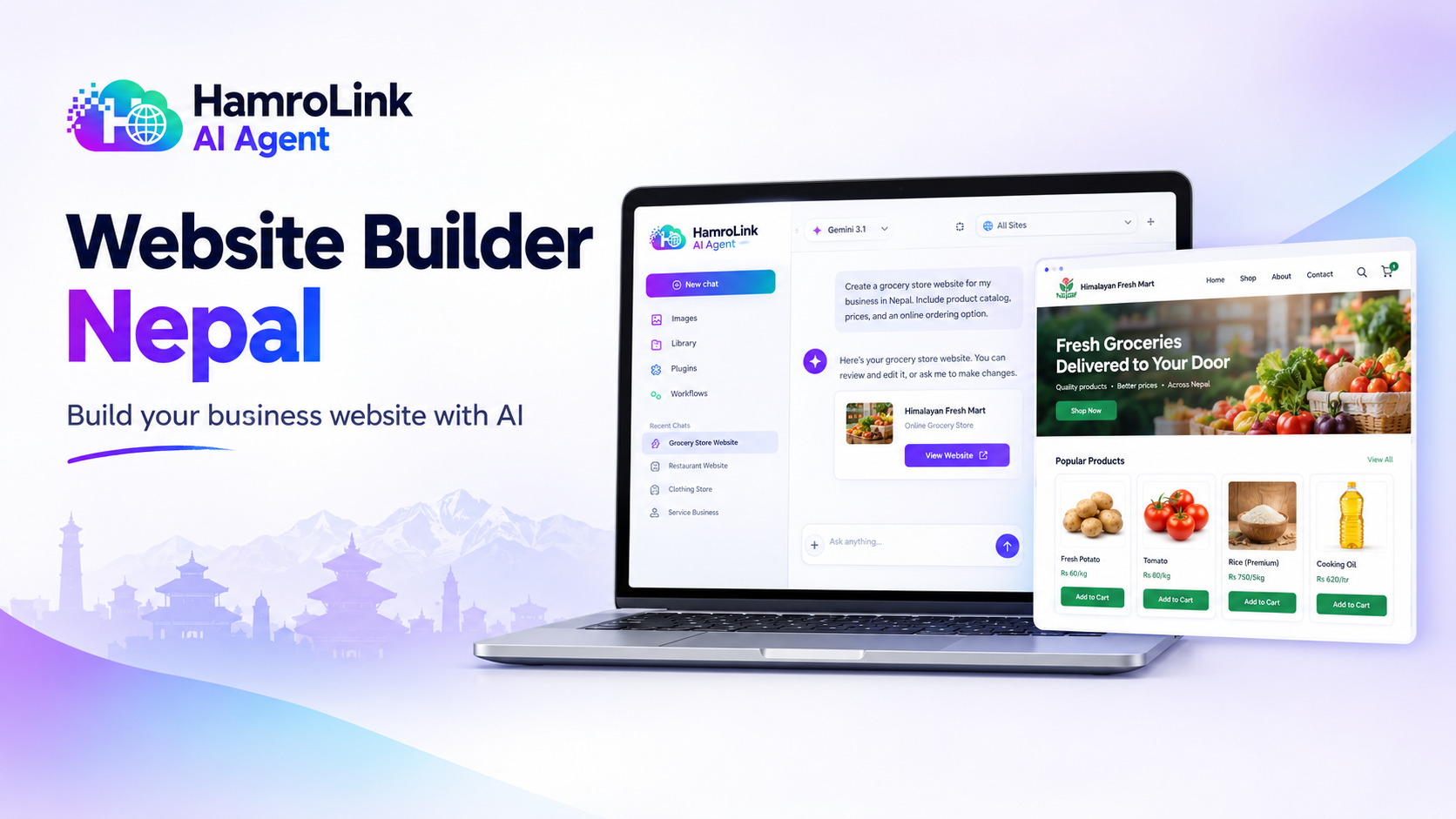
If you run a business in Nepal, having a website can make it easier for customers to find you, understand what you offer, and get in touch. Instead of answering the same questions on Facebook Messenger or WhatsApp, you can share one link where customers can find your business information, browse your products, and learn how to place an order.
But where should you start? Should you hire a developer, use a traditional website builder, or try an AI-powered tool?
The answer depends on your budget, your technical skills, and what you want your website to do.
In this guide, we'll look at the main ways to build a website in Nepal, what to consider before choosing a platform, how to improve your visibility on Google, and how AI can make the process easier.
Why Does Your Business in Nepal Need a Website?
Social media is useful for promoting products and communicating with customers. Many businesses in Nepal already use Facebook, Instagram, and WhatsApp to connect with potential buyers.
However, relying entirely on social media means your business information, product listings, and customer conversations are spread across different places.
Your own website gives customers a central place to learn about your business.
With a business website, you can:
- Introduce your business and showcase your products or services.
- Share your location, contact details, and opening hours.
- Let customers browse products and send inquiries.
- Accept orders through an online store.
- Help potential customers discover your business through Google.
- Build a professional online presence under your own brand.
Imagine a clothing shop in Pokhara. Customers could browse its products, check prices and available sizes, and learn how to order without visiting the shop first.
A consultancy in Kathmandu could explain its services, introduce its team, and collect inquiries from prospective students.
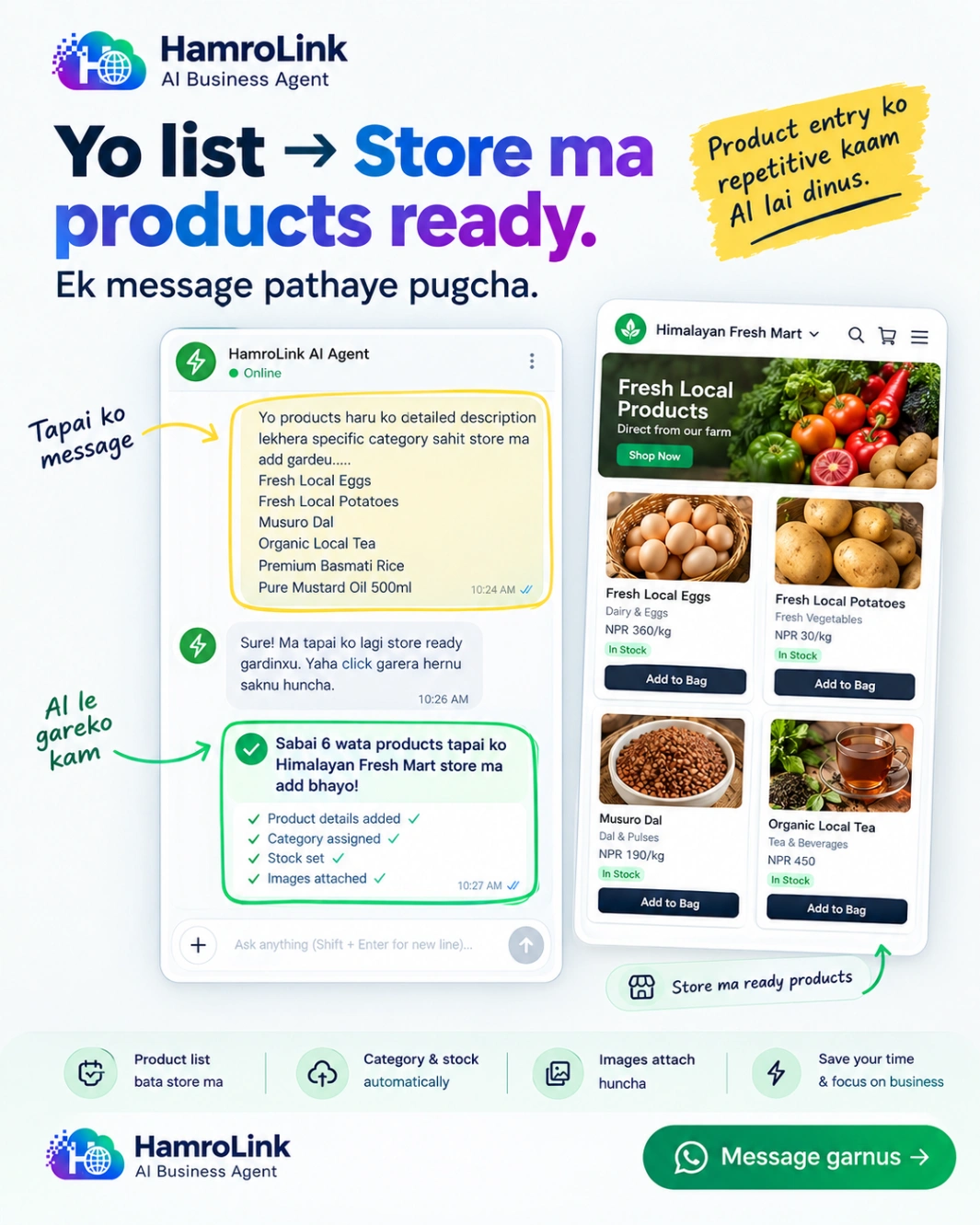
Each business has different needs, but the goal is the same: make it easier for customers to find information and do business with you.
What Is a Website Builder?
A website builder is a tool that helps you create and manage a website without developing everything from scratch.
Most website builders offer templates, editing tools, and ways to add pages, images, text, and other features. Some focus on visual design, while others specialize in online stores or use AI to generate websites from your instructions.
If you're looking for a website builder in Nepal, you generally have three ways to get started.
1. Hire a Website Developer
Hiring a developer makes sense when you need a custom design, specialized functionality, or integrations that existing website builders don't support.
You can work with a developer to build a website around your exact requirements. However, you'll need to consider more than the initial development cost.
Hosting, maintenance, future changes, and ongoing technical support may also add to the total cost.
Before hiring someone, ask who owns the domain, how you can update the website, and what happens if you want to move to another developer later.
Best for: Businesses with specialized requirements, custom workflows, or enough budget for professional development.
2. Use a Traditional Website Builder
Traditional website builders let you select a template, customize its appearance, add your content, and publish the website.
This approach works well if you want control over the design and are comfortable learning a visual editor.
Some platforms also provide e-commerce, booking, and marketing features. Others require additional subscriptions or integrations to support the way your business operates.
Best for: Business owners who want visual control and prefer building their website through an editor.
3. Use an AI Website Builder
An AI website builder lets you describe your business and explain what you want your website to do.
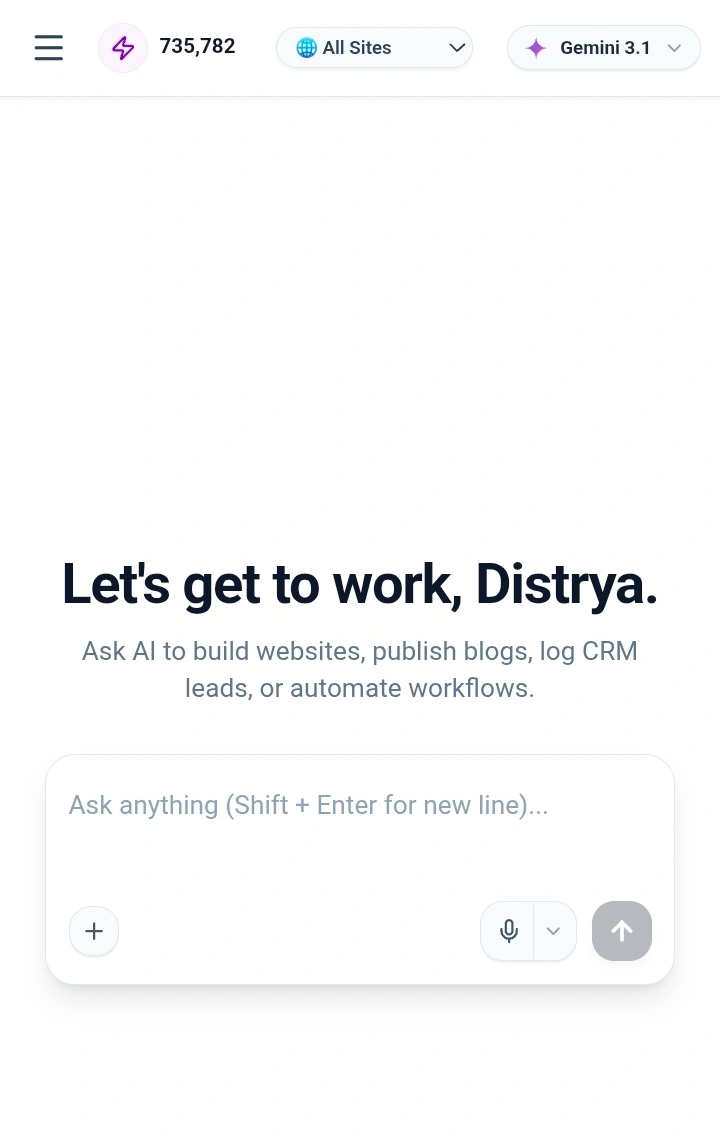
For example, you could tell it that you run a clothing shop in Nepal and need a homepage, product catalog, contact page, and ordering system.
The AI can use your instructions to generate an initial website, organize pages, and prepare content. You can then review the result and make changes before publishing.
This can reduce the effort required to get started, particularly if you've never built a website before.
However, AI-generated websites still need human review. You'll need to check the content, verify product information, test important features, and make sure the website reflects your actual business.
Best for: Business owners who want to get online without learning web development or assembling every page manually.
How Do You Choose the Right Website Builder in Nepal?
The best website builder isn't necessarily the one with the most features. It's the one that supports your business without adding unnecessary cost or complexity.
Here are the main things to consider.
Easy Creation and Editing
You should be able to update your business information, replace photos, change prices, and add products without contacting a developer for every small change.
AI-assisted creation can help you build the initial website, while a good editing experience makes it easier to maintain it afterward.
Mobile-Friendly Design
Your website should work well on smartphones as well as computers.
Check whether text is readable, images display correctly, and important buttons are easy to tap. If you run an online store, customers should be able to browse products and complete the ordering process comfortably on their phones.
Always test the mobile version before publishing.
Features for Your Type of Business
A consultancy may need service pages, appointment inquiries, and lead management. A clothing store may need product variants, inventory management, and checkout. A restaurant may need a menu, ordering options, and location information.
Write down what your business needs today and what you may need later.
This helps you avoid paying for features you'll never use or choosing a platform you'll quickly outgrow.
Local Payment Options
If you plan to sell online in Nepal, check which payment methods your website builder supports.
Depending on your business, you may need eSewa, Khalti, Fonepay QR, or cash on delivery.
Don't assume that a platform supports every local payment method just because it offers e-commerce. Check which integrations are currently available, whether your account needs approval, and whether any transaction fees apply.
Search Engine Optimization
A website can help customers find your business through Google, but publishing one doesn't automatically guarantee search visibility.
Look for editable page titles, meta descriptions, clean URLs, mobile-friendly pages, and tools that help search engines understand your content.
You'll also need useful information that answers the questions your customers are searching for. Local relevance, competition, website quality, and content all influence your chances of appearing in search results.
Pricing, Hosting, and Ownership
Look beyond the advertised monthly price.
Consider hosting, domain registration, paid features, transaction fees, and ongoing maintenance. Check whether the plan limits the number of pages, products, or orders you can manage.
You should also understand who controls your domain, what happens to your website if you stop paying, and whether you can export your content or retrieve your business data.
These details matter because your website may become an important part of your business over time.
Website Builder Comparison: Which Option Fits Your Business?
Different platforms solve different problems. Here's a practical way to compare the main options.
| Option | Main advantage | What to consider |
|---|---|---|
| WordPress | Flexible, with a large ecosystem of themes and plugins | Hosting, updates, security, and plugin maintenance may require extra work |
| Wix | Visual website editing and a broad template selection | Check local payment compatibility, subscription costs, and available features |
| Shopify | E-commerce tools designed around selling products online | Compare subscription costs, payment availability in Nepal, and additional app expenses |
| Custom development | Greater control over specialized functionality | Usually requires more planning, budget, and ongoing technical support |
| HamroLink | AI-assisted website creation combined with business tools | Verify plan limits, integrations, and whether its workflow fits your needs |
These are broad differences, not a universal ranking. Each platform changes over time, and the right choice depends on your requirements.
When Should You Choose WordPress?
WordPress is worth considering if you want extensive customization, a content-heavy website, or control over your hosting environment.
It can support everything from a simple business website to a complex online store. However, a self-hosted setup requires decisions about hosting, backups, security, themes, and plugins.
If you enjoy managing your own website or have technical help available, that flexibility may be valuable.
When Should You Choose Wix?
Wix is a reasonable option if you want a visual editor and a wide range of design templates.
It may suit businesses that prioritize presentation and want to customize their website visually. Before choosing it in Nepal, check the current subscription price, billing requirements, and whether the payment and business integrations you need are supported.
When Should You Choose Shopify?
Shopify is designed primarily for e-commerce. Consider it if your main priority is managing an online store and its sales workflow.
Before committing, check which payment providers are available for your business in Nepal and calculate the full cost of your subscription, apps, and payment processing.
When Should You Choose an AI Website Builder?
An AI website builder is worth exploring if you want to describe your business in ordinary language instead of assembling every page yourself.
It can help you create an initial website more quickly, but you should still compare editing flexibility, hosting, integrations, data portability, and ongoing costs.
For businesses that want a website alongside tools for orders and customer management, an integrated platform may also reduce the need to manage several separate services.
How to Build a Business Website Without Coding
You don't need to learn web development before getting your business online. An AI website builder can help you create an initial version of your website, which you can then review and improve.
Here's a practical process.
Step 1: Decide What Your Website Needs to Do
Start by identifying the purpose of your website.
Do you want to introduce your business, showcase your services, sell products, display a restaurant menu, or collect inquiries?
The answer will help you decide which pages and features you need.
Step 2: Gather Your Business Information
Prepare your business name, logo, contact details, location, product or service descriptions, photos, and prices.
If you're building an online store, organize your products into categories and make sure the prices and product details are accurate.
Real business information will produce a more useful starting point than a vague description.
Step 3: Describe Your Website to the AI
Explain what your business does, who your customers are, and what you want visitors to be able to do.
For example:
"Create a mobile-friendly online store for my clothing business in Nepal. Include a homepage, product catalog with photos, prices, and available sizes, an About page, and contact information. Make products easy to browse on mobile and include an ordering process. Use a clean, modern design that makes the products stand out."
You can then provide more instructions to refine the result.
Step 4: Review and Improve the Website
Check the generated text, images, prices, contact details, and page layout.
Replace generic content with real information about your business. Make sure the design matches your brand and that visitors can easily find what they need.
Don't assume the website is ready just because it looks good.
Step 5: Test Important Features
Open the website on your phone and test the features customers will use.
Check contact forms, product pages, ordering, and checkout. If you accept online payments, confirm that the integration is configured correctly and that the payment flow works as expected.
Step 6: Publish and Keep It Updated
Connect your domain if necessary, review the final content, and publish your website.
After launch, keep product prices, availability, contact information, and opening hours up to date.
Your website should evolve with your business rather than becoming an outdated online brochure.
How to Improve Local SEO for Your Business in Nepal
If you want customers to find your business through Google, creating a website is only the first step.
Local SEO helps your business become more visible when people search for products or services in a particular location.
For example, someone might search for "clothing store in Pokhara," "computer repair in Kathmandu," or "grocery delivery in Dhankuta."
Here are a few practical steps you can take.
1. Create a Google Business Profile
If your business is eligible, set up and maintain a Google Business Profile.
Add your correct business name, address or service area, phone number, opening hours, website URL, and relevant business category.
Keep the information consistent with your website. If customers visit your physical shop, accurate location information can help them find you.
Eligibility and verification requirements depend on the type of business.
2. Use Location-Specific Keywords Naturally
Think about how your customers describe what they're looking for.
A bakery in Lalitpur might create a page about its cakes and bakery services in Lalitpur. A consultancy in Kathmandu might explain its services and the types of students it helps.
Use relevant location and service terms in page titles, headings, descriptions, and useful body content where they fit naturally.
Avoid repeating the same keyword excessively or creating dozens of nearly identical pages for different locations.
3. Consider Nepali and English Search Terms
Customers may search in English, Nepali script, or Romanized Nepali, depending on their habits and the type of service they're looking for.
Think about the actual words your customers use. You can ask customers how they found your business, review search data when available, and use Google Search Console to understand which queries bring visitors to your website.
Include Nepali-language information where it helps your audience. You don't need to repeat every phrase in multiple languages if doing so makes the page harder to read.
4. Add Useful Information About Your Business
A page that simply says "Welcome to our website" gives potential customers very little information.
Explain what you sell, who you serve, where you operate, and how people can contact you.
For a product business, include accurate descriptions, prices, and useful product photos. For a service business, explain your services, process, and service area.
Useful content helps customers make decisions and gives search engines more context about your business.
5. Keep Your Website Fast and Mobile-Friendly
Test your website on a phone and on a normal mobile connection. Compress large images, avoid unnecessary scripts, and make sure important content loads correctly.
You can use Google PageSpeed Insights to identify performance issues.
A fast website doesn't guarantee high rankings, but it improves the experience for people visiting your business online.
6. Measure What Is Working
Connect Google Search Console to monitor search queries, impressions, clicks, and indexing issues.
If appropriate for your business, use analytics to understand which pages visitors view and whether they contact you or place orders.
Use what you learn to improve your website over time rather than relying only on rankings or visitor counts.
Exploring HamroLink: An AI Website Builder for Nepal
While exploring how businesses could create their online presence more easily, I started building HamroLink.
The idea came from a practical problem: a business owner shouldn't have to understand every technical setting before getting a website online.
They should be able to explain what their business does, describe what they need, and use AI to help create their online presence.
HamroLink is an AI-powered website builder and business platform designed for businesses in Nepal.
You can describe your business to its AI agent and use it to help build a website. The platform also brings website creation together with business tools for managing products, orders, and customer information, depending on the features available in your plan.
The approach is useful for business owners who want to get online without building every page manually or coordinating several separate tools from the beginning.
How Much Does HamroLink Cost?
HamroLink offers a free AI trial so you can explore the experience before deciding whether to pay.
The Local Startup plan is listed at NPR 199 per month. Hosting is included, according to the current plan details provided for this article.
Before subscribing, check the latest plan information to confirm the features included, usage limits, domain arrangements, and any additional costs that may apply to your particular requirements.
A low starting price is useful, but the more important question is whether the plan includes what your business actually needs.
What Should You Check Before Choosing HamroLink?
As with any website builder, make sure the platform fits your business before moving your operations onto it.
- Website creation and editing: Try building a sample website and see whether the generated result matches your expectations.
- Hosting: Confirm the hosting arrangements, plan limits, and what happens if your subscription ends.
- Local payments: Verify the availability and setup requirements for your preferred payment methods before relying on them for customer orders.
- Business tools: Check which product, order, customer-management, and automation features are included in your plan.
- Data access and portability: Ask how you can retrieve your business data and what options are available if you decide to leave the platform.
Website and data portability are particularly important. Before committing, get a clear answer about which content can be exported, in what format, and whether the website itself can be moved to another host.
You can explore the HamroLink AI website builder to see the product and review its current features.
Is HamroLink the Right Website Builder for You?
HamroLink may be worth exploring if you're running a small business in Nepal and want AI-assisted website creation alongside tools for managing your business.
It may fit businesses that want to showcase products, receive orders, and gradually bring more of their operations online without assembling a separate collection of tools.
However, if you need extensive custom development, complete control over the underlying source code, or a specialized integration, WordPress, a custom-built website, or another platform may be a better fit.
The decision should come down to your requirements, your budget, the features you can verify, and how much control you need over your website and data.
Frequently Asked Questions
What Is the Best Website Builder in Nepal?
There isn't one best website builder for every business. WordPress offers flexibility, Wix emphasizes visual website editing, Shopify focuses on e-commerce, and AI-powered builders can simplify the initial creation process.
Compare the total cost, local payment support, editing experience, hosting, and ownership arrangements before deciding.
Can I Build a Website in Nepal Without Coding?
Yes. Traditional website builders and AI-powered tools let you create websites without writing code. You'll still need to review the content, test important features, and configure any required settings before publishing.
How Much Does a Business Website Cost in Nepal?
The cost depends on the platform, domain, hosting, design, and features you need.
For example, HamroLink's Local Startup plan is listed at NPR 199 per month, with hosting included according to the plan details provided for this article. Other platforms may charge in foreign currencies or require separate payments for hosting, plugins, apps, or maintenance.
Always compare the complete cost rather than the headline price alone.
Can I Create an Online Store With a Website Builder?
Yes. Many website builders support product catalogs, prices, and online ordering. Before choosing one, check whether it supports your preferred payment methods, inventory requirements, and delivery workflow in Nepal.
Do I Need a Domain Name for My Business Website?
A custom domain, such as yourbusiness.com or yourbusiness.com.np, gives your website a recognizable address. Check whether your chosen platform includes a domain or allows you to connect one you already own.
Domain registration and renewal costs may be separate from your website subscription.
Will My Website Automatically Appear on Google?
No. Publishing your website doesn't guarantee that Google will index it or rank it highly.
Make sure your pages are accessible to search engines, use descriptive titles, provide useful content, and have a clear site structure. Google Search Console can help you monitor indexing and search performance.
Can I Change Website Builders Later?
Possibly, but the process depends on the platform. Some tools allow you to export content, while others require you to recreate parts of your website elsewhere.
Before choosing a platform, ask what you can export, whether your domain remains under your control, and how you can retrieve customer and order data.
Start Building Your Business Website
Getting your business online doesn't have to begin with a complicated technical project.
Start with what your customers need: clear information, a way to contact you, and an easy way to explore your products or services.
Compare the available website builders, understand the full costs, and choose a platform that fits the way you work today while giving your business room to grow.
If you'd like to explore an AI-assisted approach, visit HamroLink and try building a website for your business.
Start with a simple version, check that it works, and improve it as you learn what your customers need.
Enjoyed this article?
Subscribe to get the latest posts delivered straight to your inbox.